Hi
Download media is configured to download the .jpg file by default because it should be created during the upload process. However, if the .jpg file is missing for any reason, such as manual cleaning or an error in the upload process, you can recreate it by updating the cache of the files that are not available.
You can find out which files are not downloadable in the info.txt file included in the .zip file downloaded by the export tool.
For recreate the files follow below:
- Search the ids of the images.

- Use the tool
Update cache. Select the image component to recreate the .jpg
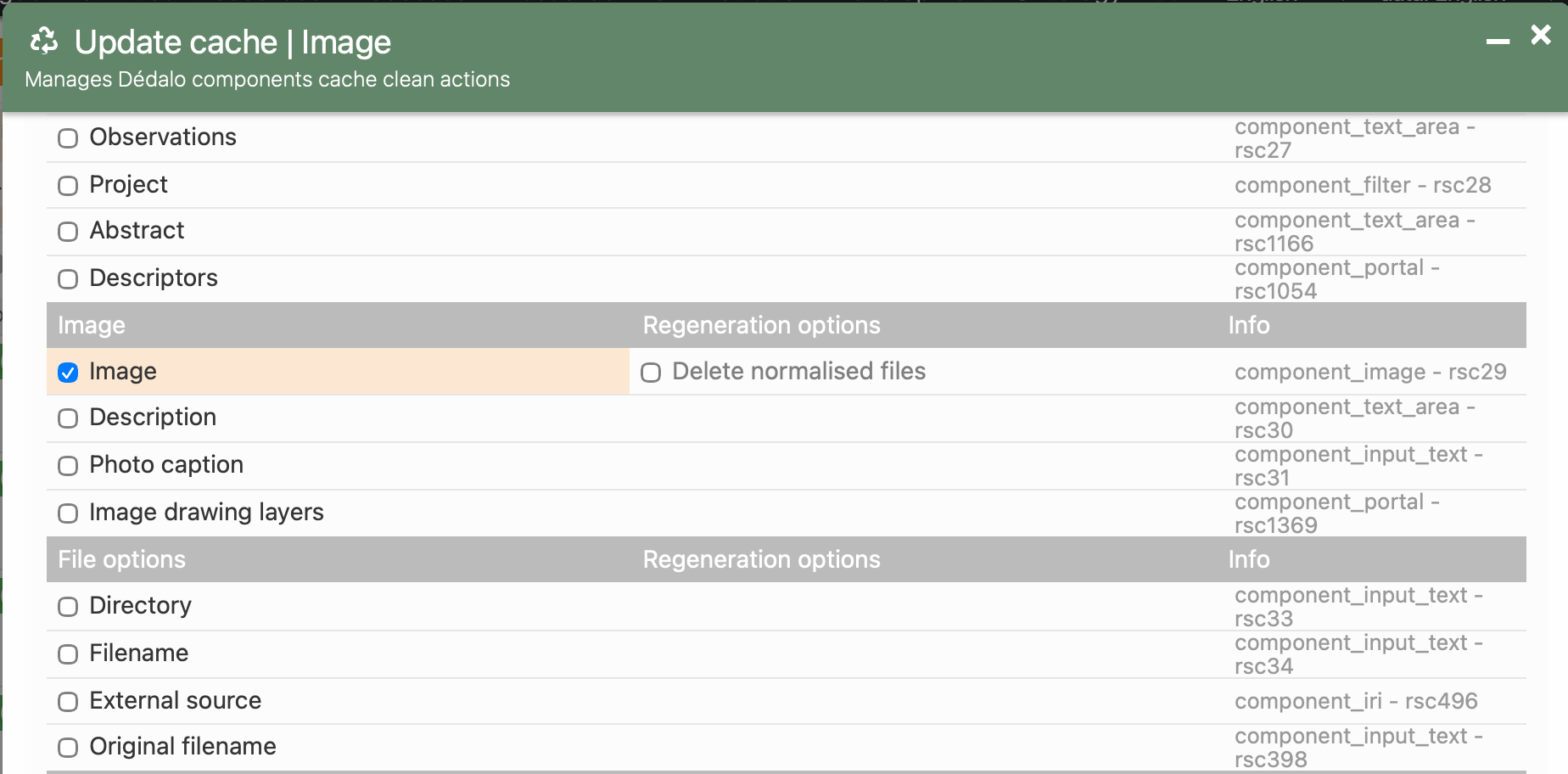
- Press the
Update Records
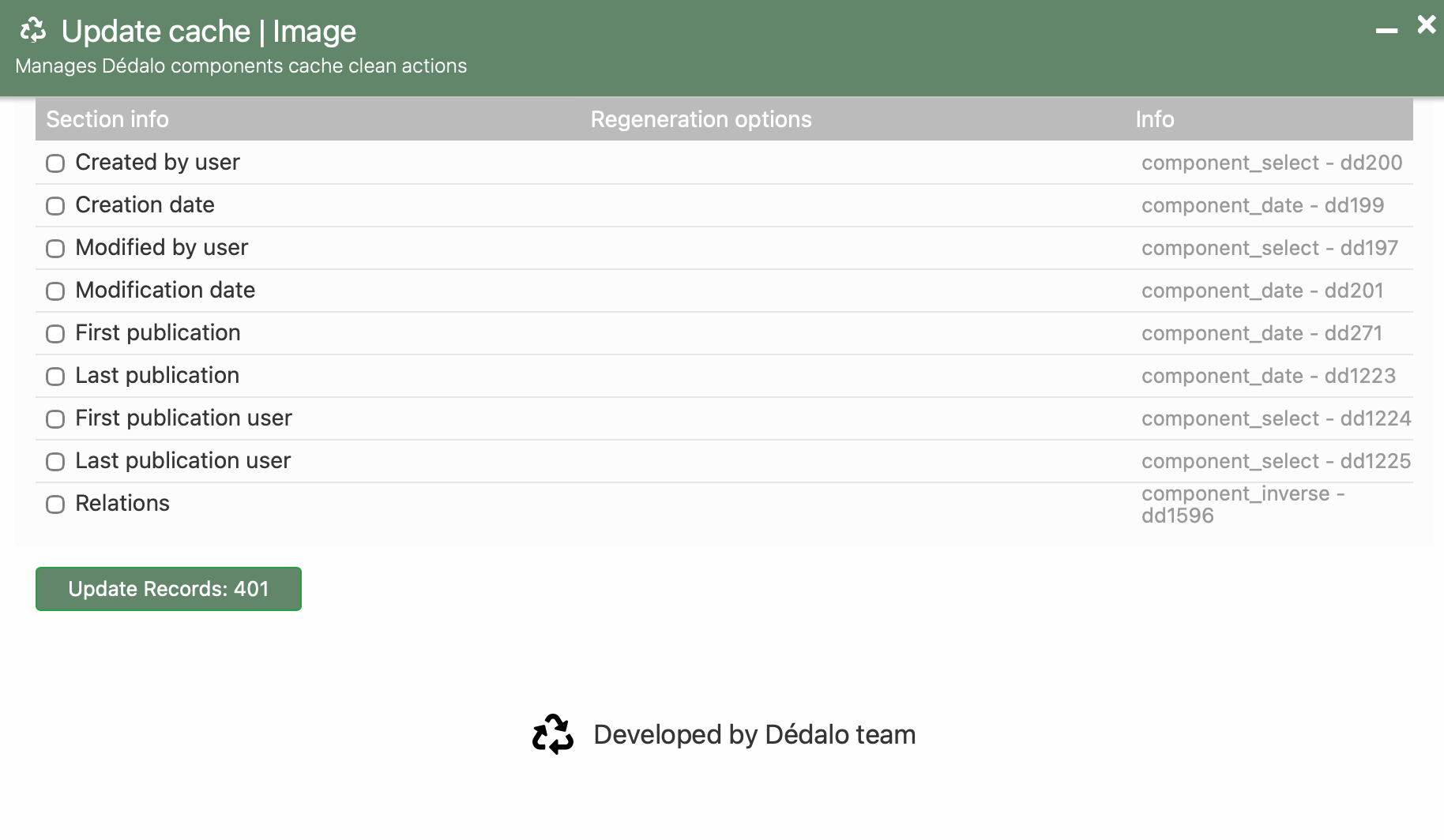
The process takes time because it needs to read all images selected by the filter and check if they needs some versions and qualities.
And... we add a new topic to develop, a format selector to download any other format in the export tool.
Best
