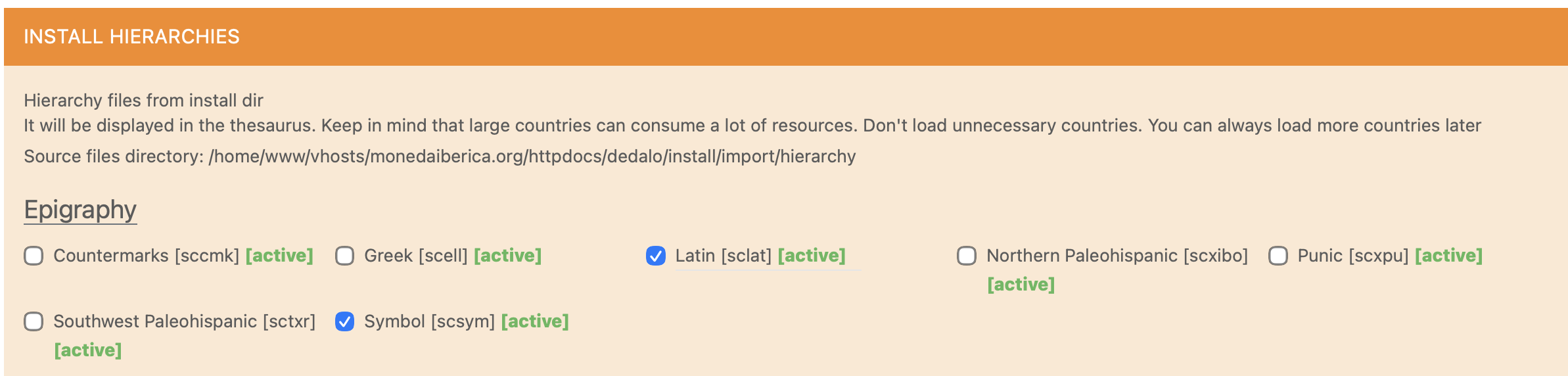
The best way to work is to install the two hierarchies, symbols and Latin that are already configured in the menu: administration > maintenance > install hierarchies.
This action will install sections for the terms (sclat1, scsym1) and the parallel models (sclat2, scsym2) After the activation you will need to create the contents for your project.
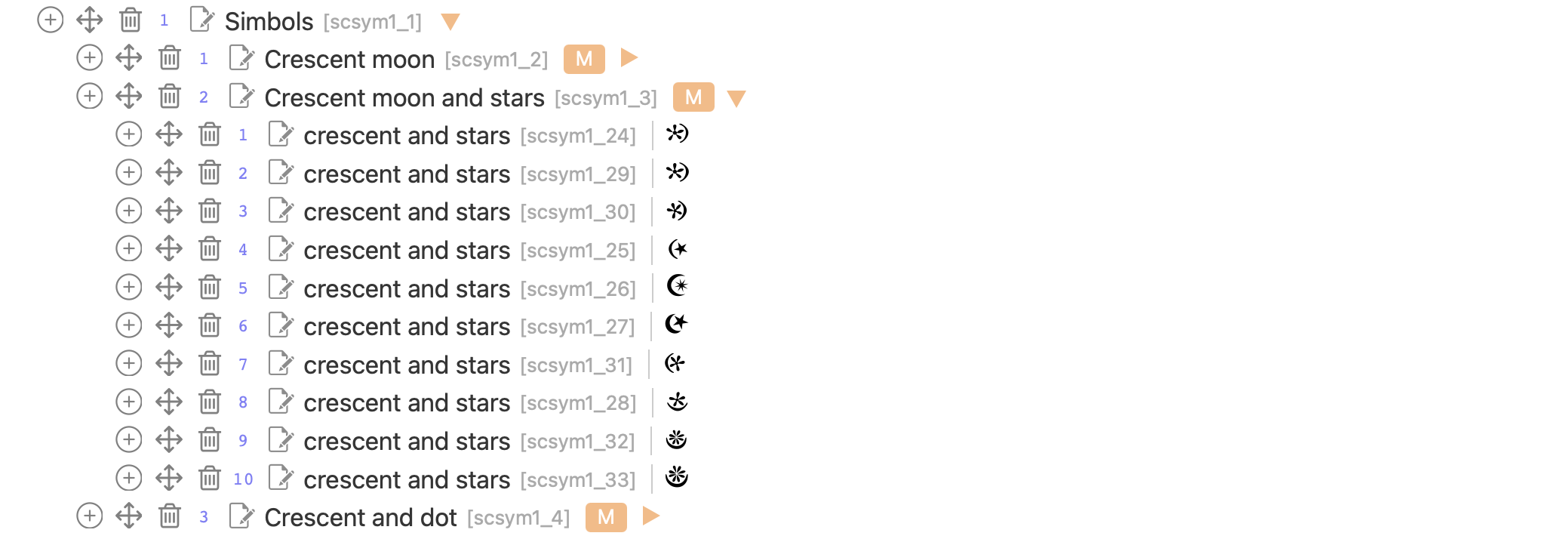
To organise the contents effectively, it is recommended to create groups that structure the information into different categories. Within these groups, you can include the glyph sheets using SVG format. You can see in the picture how we have organized the symbol glyphs:
An important consideration is that, within the latin hierarchy, there may be a mix of standardized UTF characters with other glyphs that do not belong to the standard. In this context, it is necessary to fill the field typology [hierarchy27] in every record, referencing the parallel model describing the type of record (or entry) are defined. In Iberian coinage, the models we use are the following:
| ID | Term |
|---|
| 1 | Group |
| 2 | Glyphs group |
| 3 | Standard UTF character |
| 4 | Singular glyph |
This caption shows the values adopted for different kinds of entries:
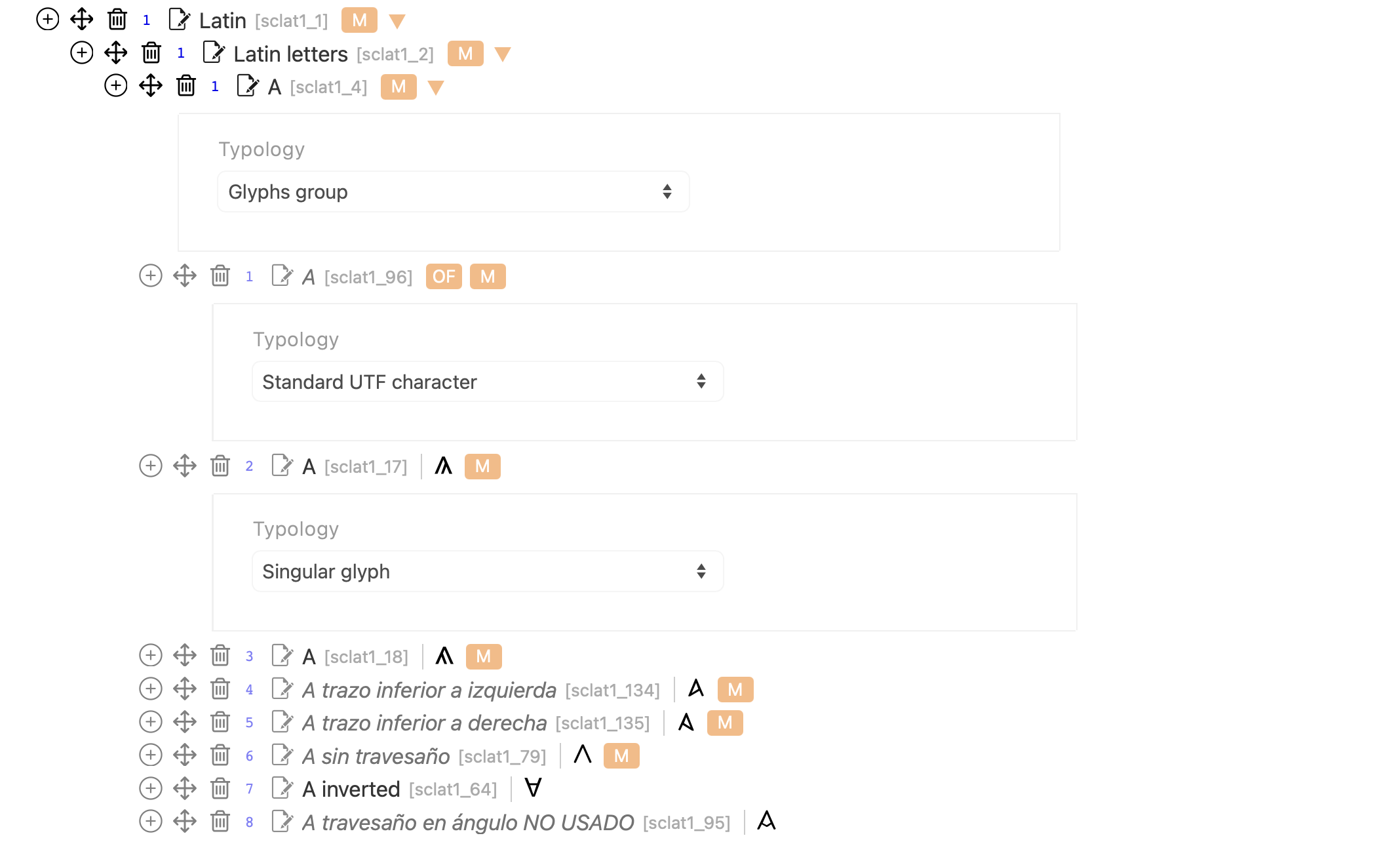
The best option is to adopt for your epigraphic models (i.e. sclat2) the same ID and term as listed in the previous table, as this prevents that the web template will be fully compatible with regard to the legends visualization. I hope this has clarified, at least, the main points.
